Arc - Arcane






Bulk savings
| Quantity | Discount | Per unit |
|---|---|---|
| — | each |
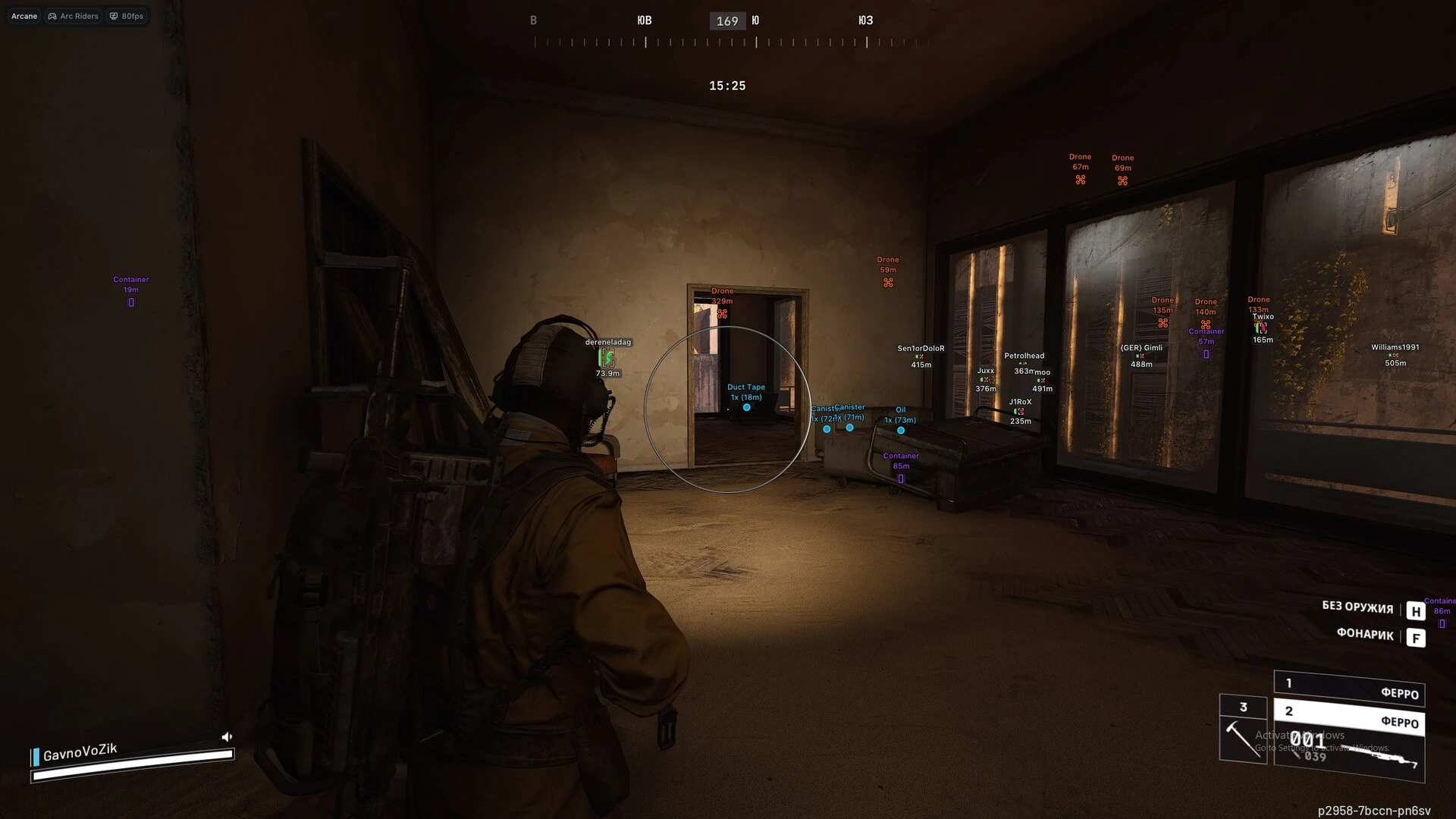
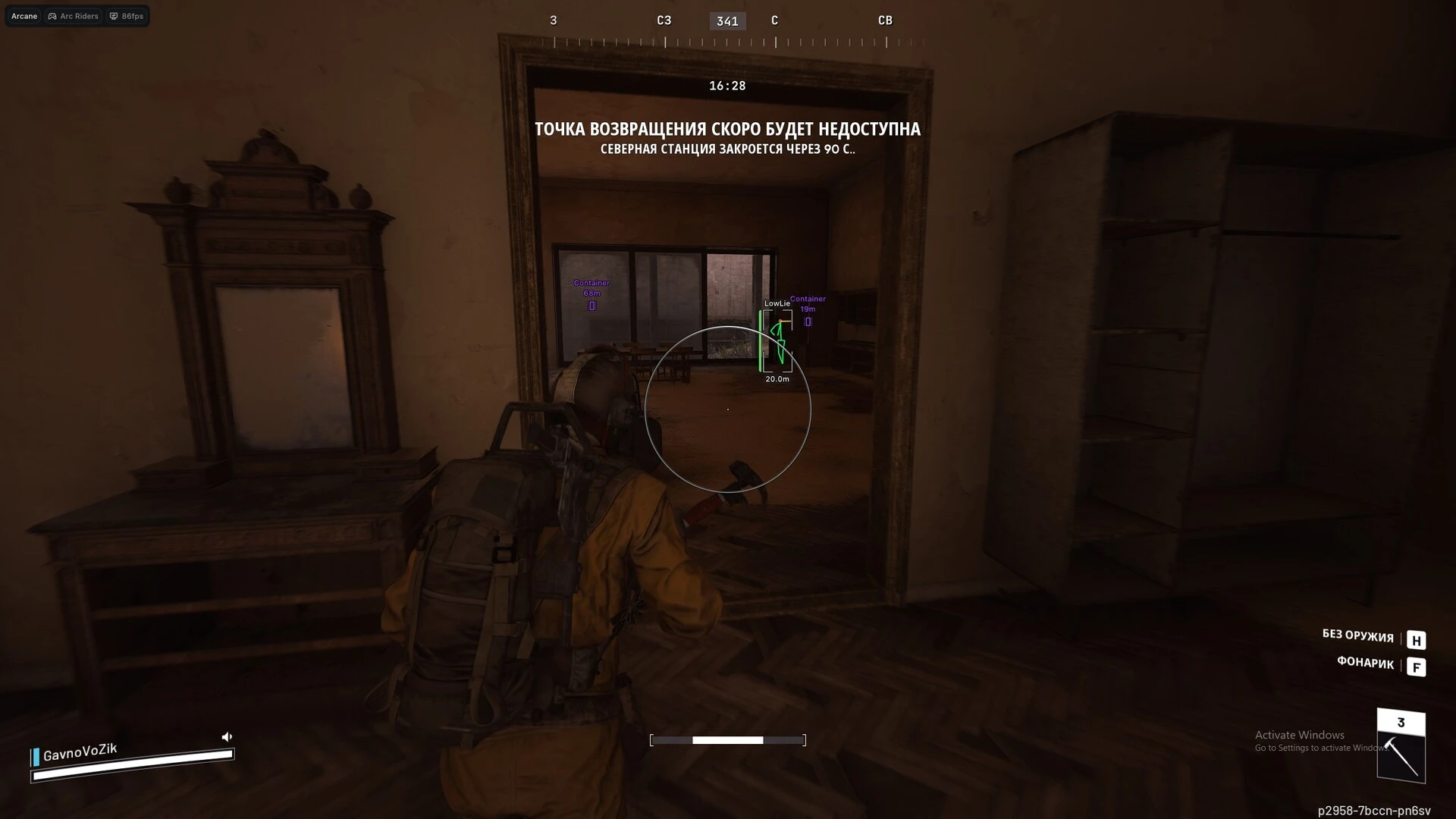
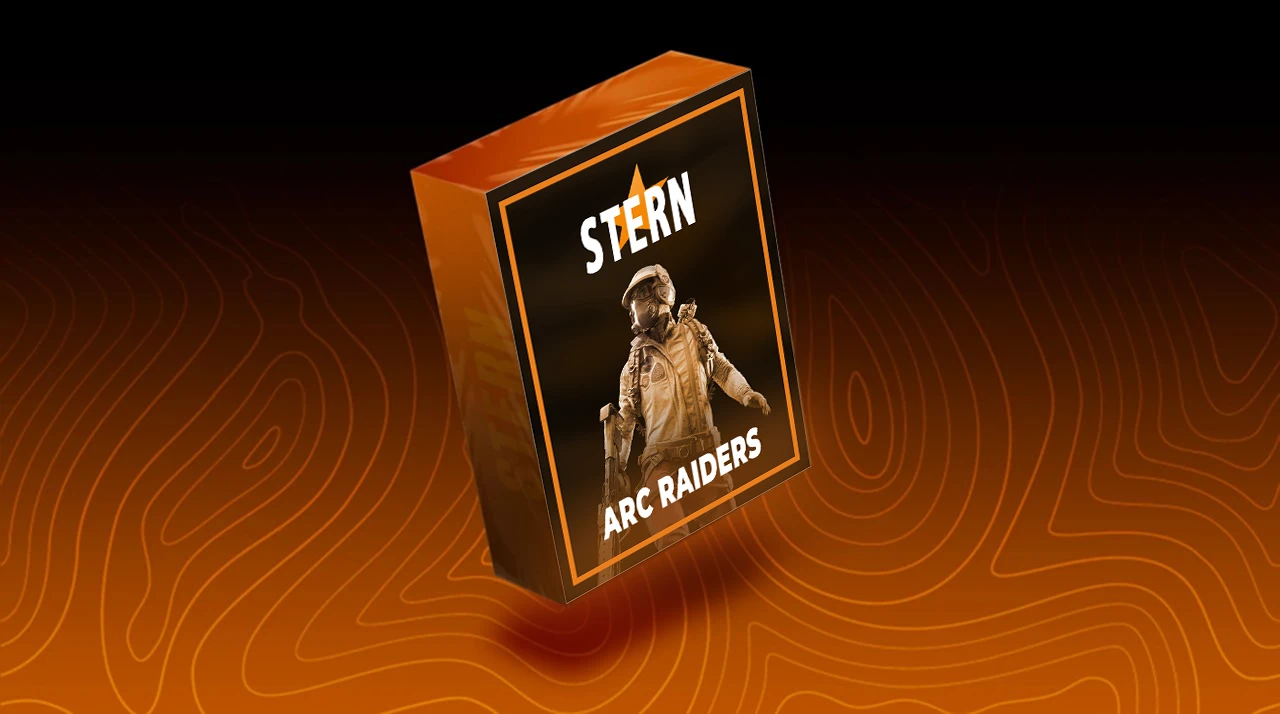
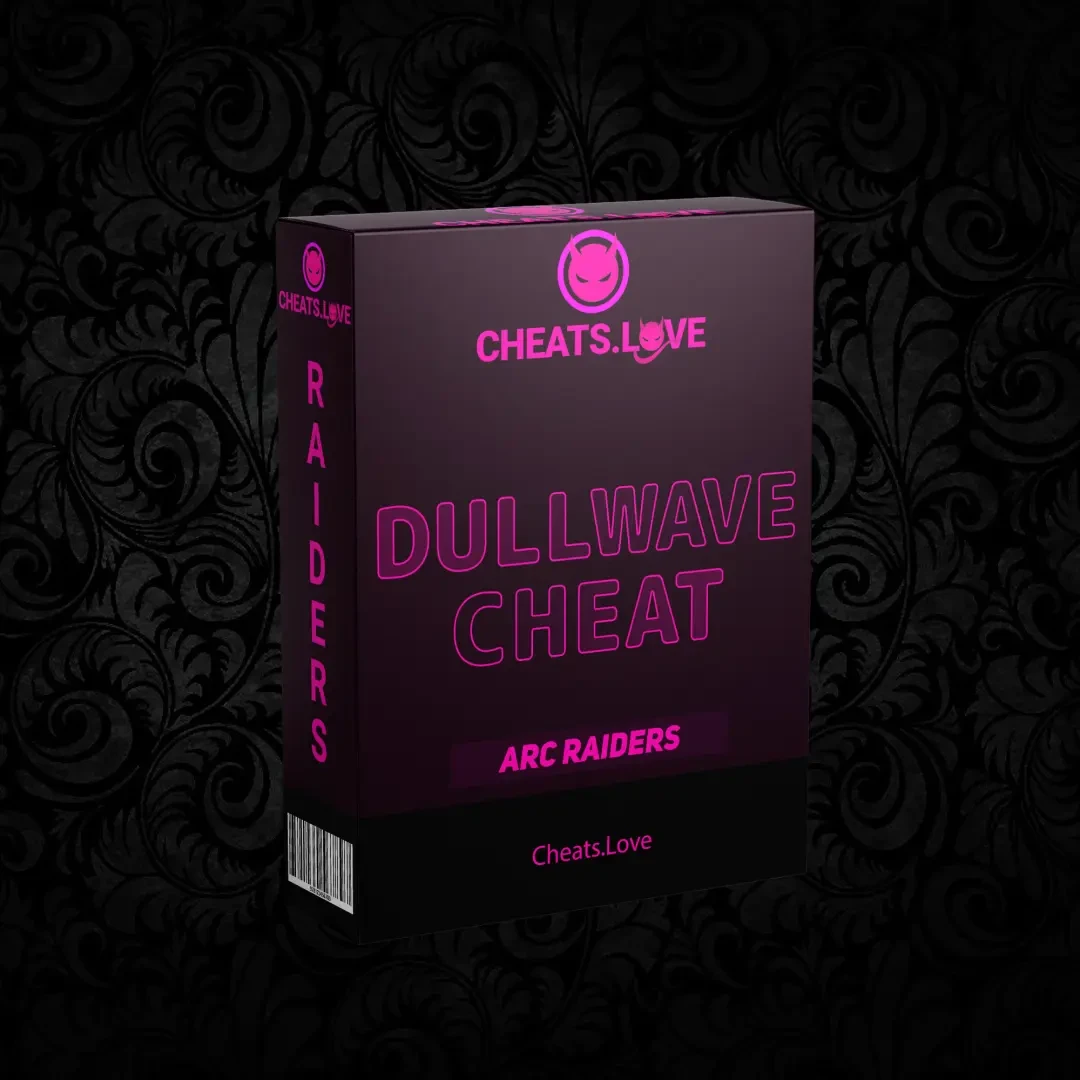
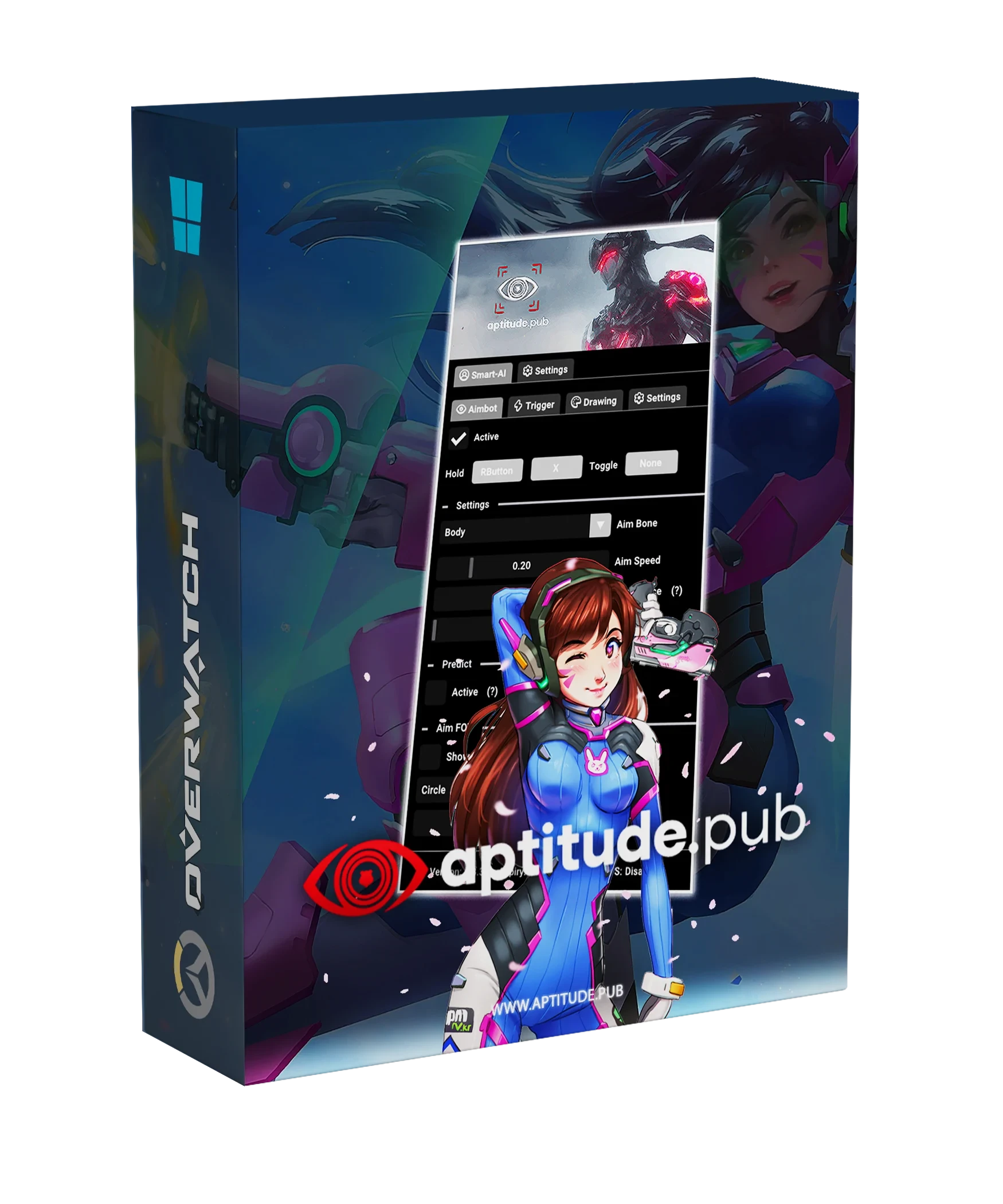
Dominate every raid in ARC Raiders with our advanced cheat featuring powerful Aimbot, detailed ESP, and smart utility tools. Track enemies, locate valuable loot, and maintain full battlefield awareness with fully customizable settings designed for smooth and reliable performance
Aimbot – Ultimate Precision Module
- Enable – Activate the aimbot
- Always Active – Continuous targeting without holding a key
- Visibility Check – Target only visible enemies
- Draw FOV Border – Display the aimbot field-of-view circle
- Draw FOV Background – Highlight the active aiming area
- Primary Keybind – Main aimbot activation key
- Secondary Keybind – Optional secondary aim key
Target Selection
- Players
- Bots
- Teammates
Bone Targeting
- Bone Mode: Selected Bone
- Bone Mode: Closest Bone
- Bone Mode: Random Bone
- Bones: Head, Neck, Body, Pelvis
Aimbot Controls
- Adjustable FOV Size
- Adjustable Smoothness
- Maximum Distance Limit
ESP – Player Vision Suite
Visuals
- Bounding Box (Full Box / Corner)
- Filled Box (Static / Gradient)
- Skeleton ESP
- Skeleton Head Circle
- Skeleton Head Fill
- Skeleton Thickness Adjustment
Tracking
- Snapline to Enemy
- Custom Snapline Position
- View Direction Line
Information
- Player Name
- Distance Display
Health Display
- Health Bar (Static / Health-Based / Gradient)
Filters
- Show Bots
- Show Teammates
- Visibility Check
- Bot Transparency
Range
- Maximum ESP Distance
Items ESP – Loot Detection System
- Show Item Count
- Show Distance
- Drone Indicator
- Container Indicator
- Dropped Item Indicator
Radar – Tactical Map Overlay
- Enable Radar
- Show Distance
- Adjustable Zoom
- Custom Size (X / Y)
- Distance Transparency
- Custom Outline Color
- Custom Background Color
Entities Detection Filters
- Show Players
- Show AI
- Show Teammates
System Settings – Control Panel
- Menu Keybind
- Unload Keybind
- DPI Scale Adjustment
- FPS Limiter
- Theme Options (Murky / Sunny)
- Watermark Toggle
- Language Selection (EN / RU / CN)
- Supported Game Version: Steam
- Supported Processors: Intel & AMD
- GPU: Nvidia & AMD
- Operating system: Windows 10, Windows 11
- Support Full-Screen Game Mode: No (Window/Borderless Window)
- Stream-Proof: No
- Minimal RAM: 12 GB
Automatic feedback after 7 days.

Arc - Arcane
Log in to Your Customer Account Check your inbox Enter your password Two-Factor Authentication
We'll email you a one-time code, no password needed. Enter the 6-digit code sent to . Enter the password for . Enter the 6-digit code from your authenticator app, or an 8-character recovery code.
Products
Aptitude PUBG AI Script
Aptitude PUBG Smart AI

Arcane PUBG
Fecurity PUBG
Aptitude BF6 Smart AI




























No matches here. Press Enter to search everything.